Configure a document output
Last updated: July 12, 2026
Configure a document output
Use a document when the result should become a polished written asset such as a brief, SOP, policy, guide, or customer-facing writeup.
Choose the output type
Open the Output step in the agent builder and choose the artifact the agent should produce every run.
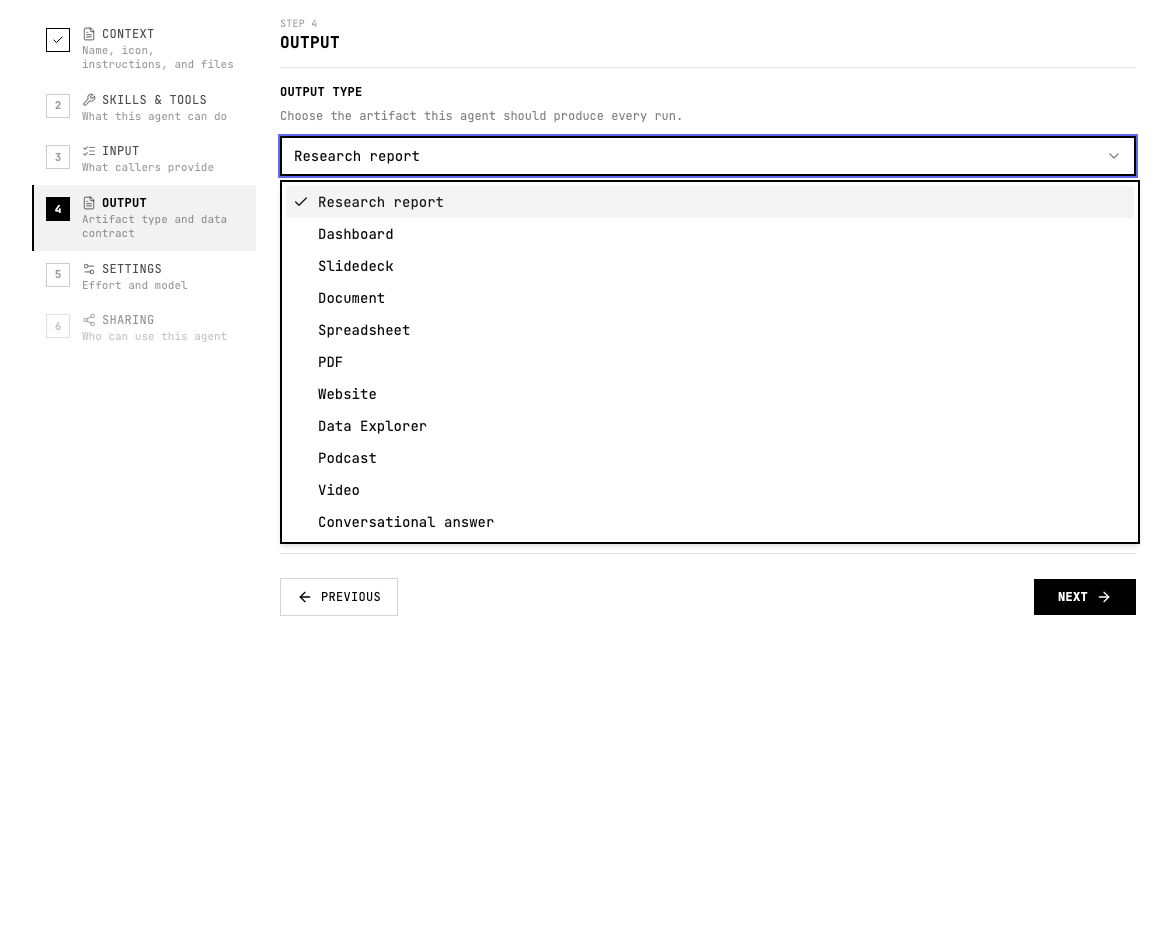
When to use Document
- The output needs headings, prose, tables, and reusable written structure.
- The result will be reviewed, edited, shared, or stored as a durable document.
- The audience expects complete context rather than a dashboard or slide summary.
Configure Document
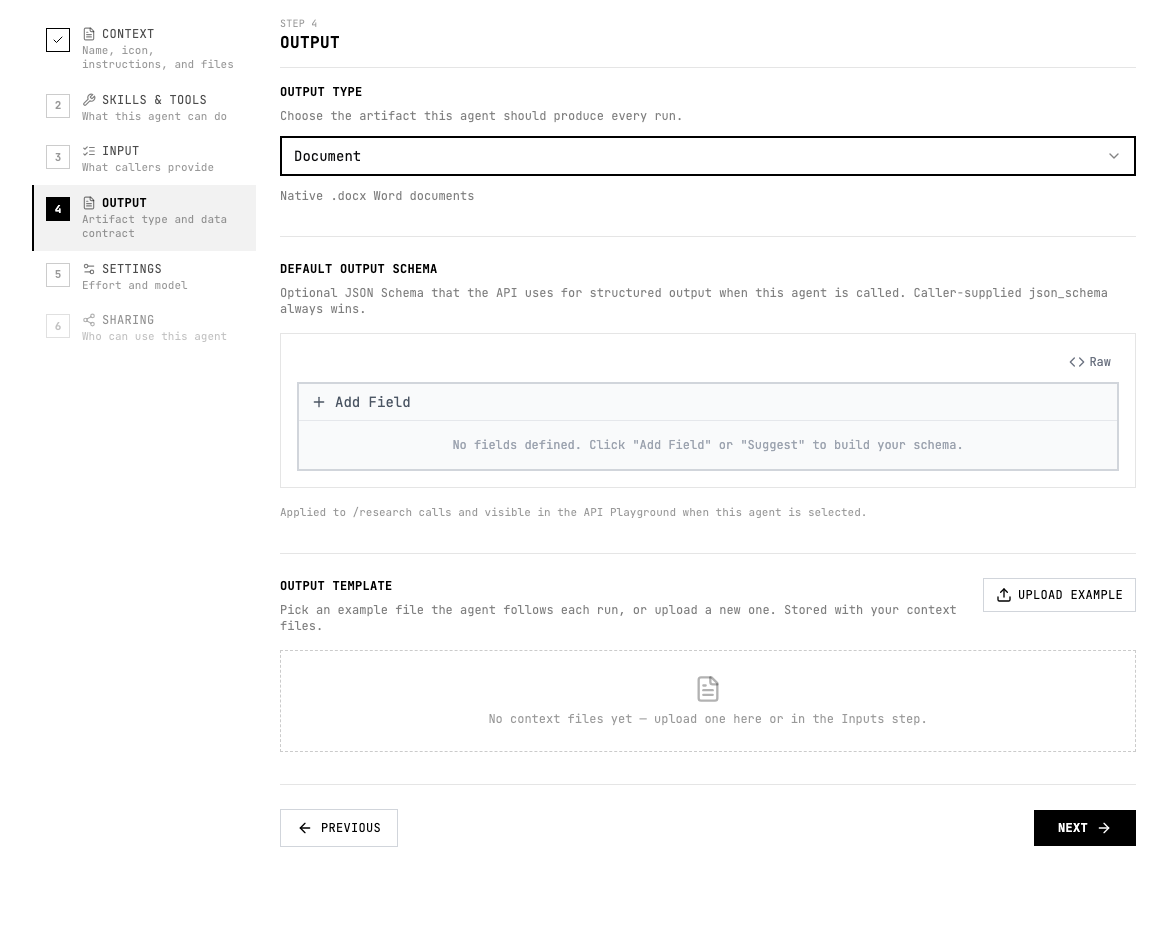
- Choose Document in the output type menu.
- Describe the document format, audience, tone, required sections, and any formatting constraints.
- Include examples or templates in Context when the document must follow a house style.
Instruction pattern
Add a short output instruction to the agent instructions or the relevant skill so the agent knows what good looks like.
Write a polished document with title, audience, purpose, background, step-by-step guidance, tables where useful, and a final checklist.Quality checklist
- The audience and use case are clear.
- The output format is selected before testing.
- The agent instructions describe the expected sections, fields, or scenes.
- Important claims include evidence or source links.
- The output can be reviewed without guessing what each field or section means.
- If another system consumes the result, the schema and allowed values are stable.