Configure a data explorer output
Last updated: July 12, 2026
Configure a data explorer output
Use a data explorer when reviewers need to inspect, filter, and compare a dataset rather than read a single answer.
Choose the output type
Open the Output step in the agent builder and choose the artifact the agent should produce every run.
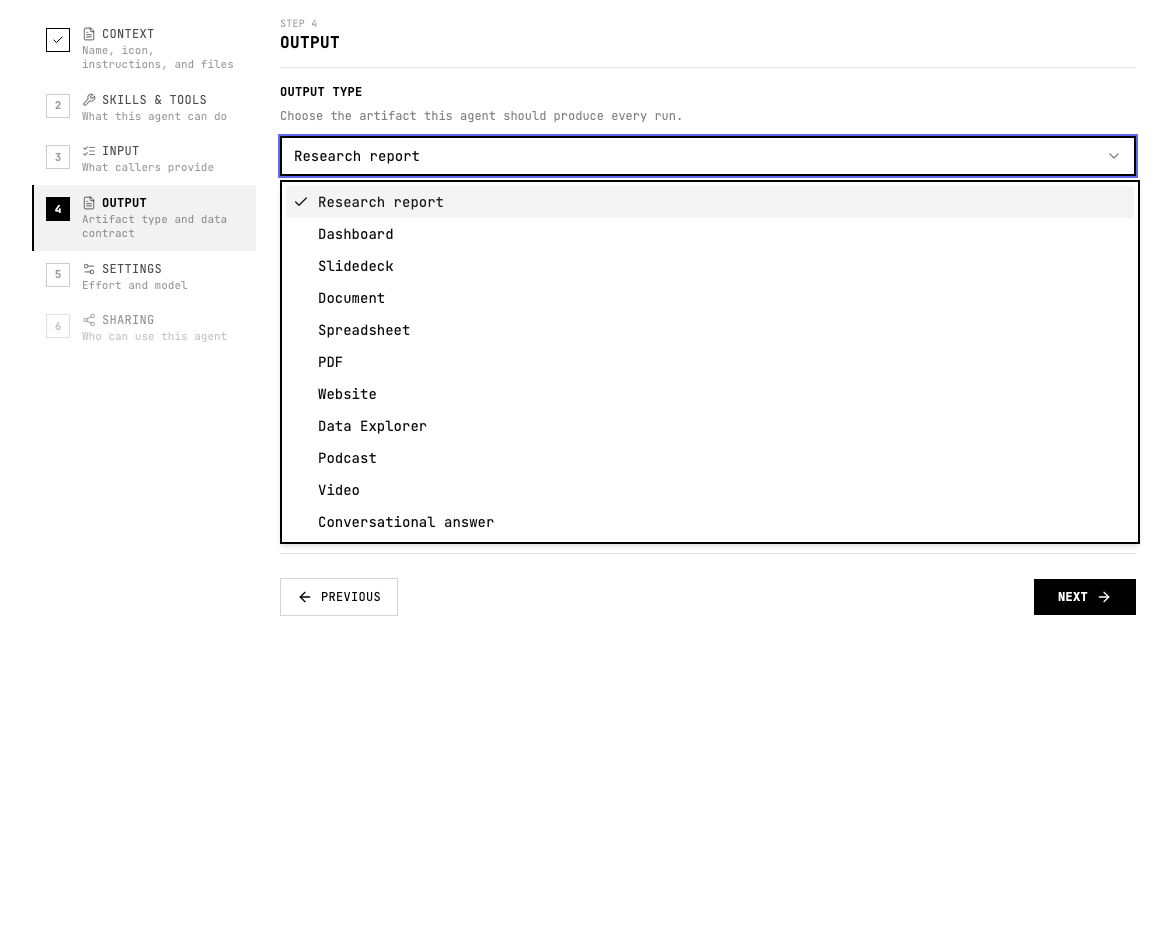
When to use Data Explorer
- The agent returns many records, observations, sources, or entities.
- Users need filtering, grouping, sorting, or drill-down.
- The output should help analysts explore evidence before making a decision.
Configure Data Explorer
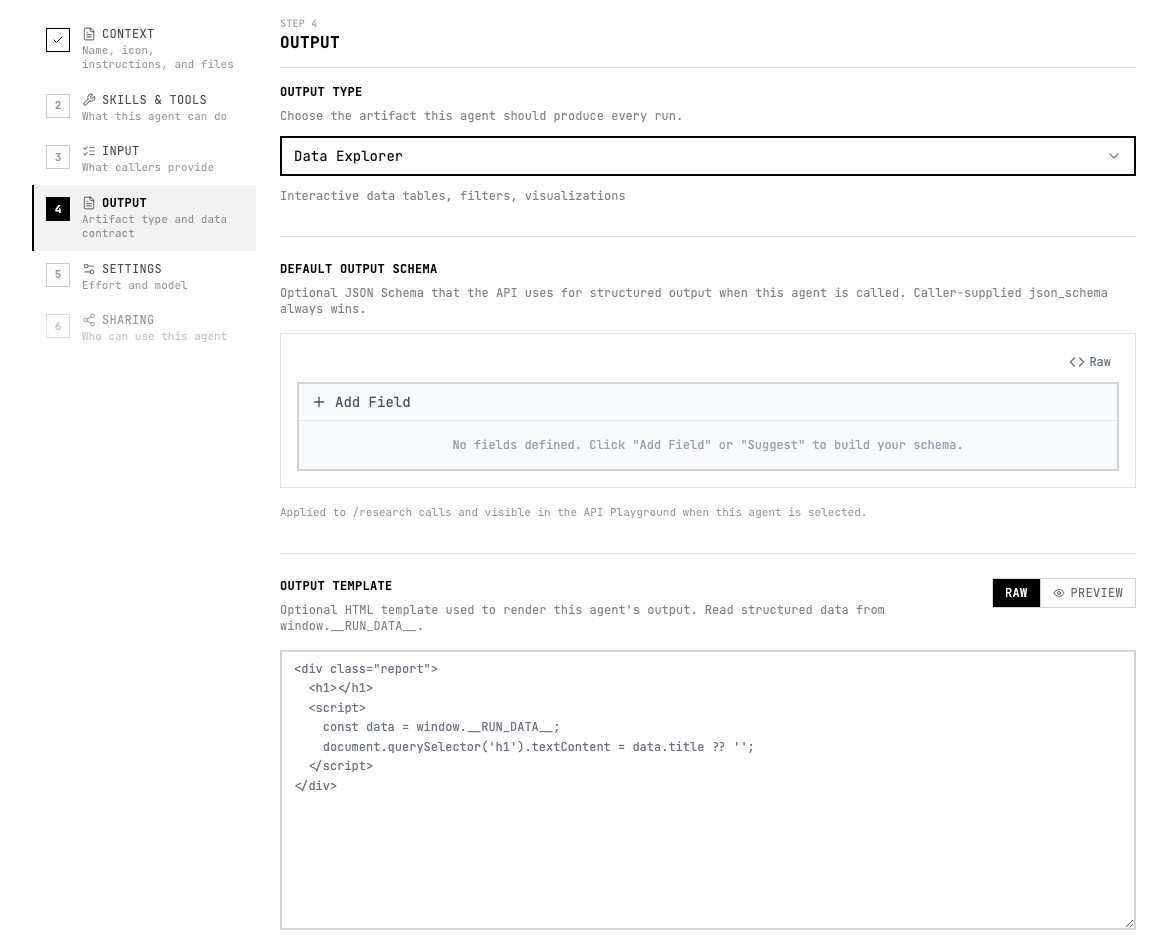
- Choose Data Explorer in the output type menu.
- Define the record type, fields, filters, grouping dimensions, and detail view.
- Use stable field names and allowed values so the explorer remains predictable across runs.
Instruction pattern
Add a short output instruction to the agent instructions or the relevant skill so the agent knows what good looks like.
Create a data explorer with one record per finding, filters for status and severity, grouped evidence, source links, and drill-down notes.Quality checklist
- The audience and use case are clear.
- The output format is selected before testing.
- The agent instructions describe the expected sections, fields, or scenes.
- Important claims include evidence or source links.
- The output can be reviewed without guessing what each field or section means.
- If another system consumes the result, the schema and allowed values are stable.