Configure a conversational answer output
Last updated: July 12, 2026
Configure a conversational answer output
Use a conversational answer when the result should feel like a direct response in chat rather than a formal artefact.
Choose the output type
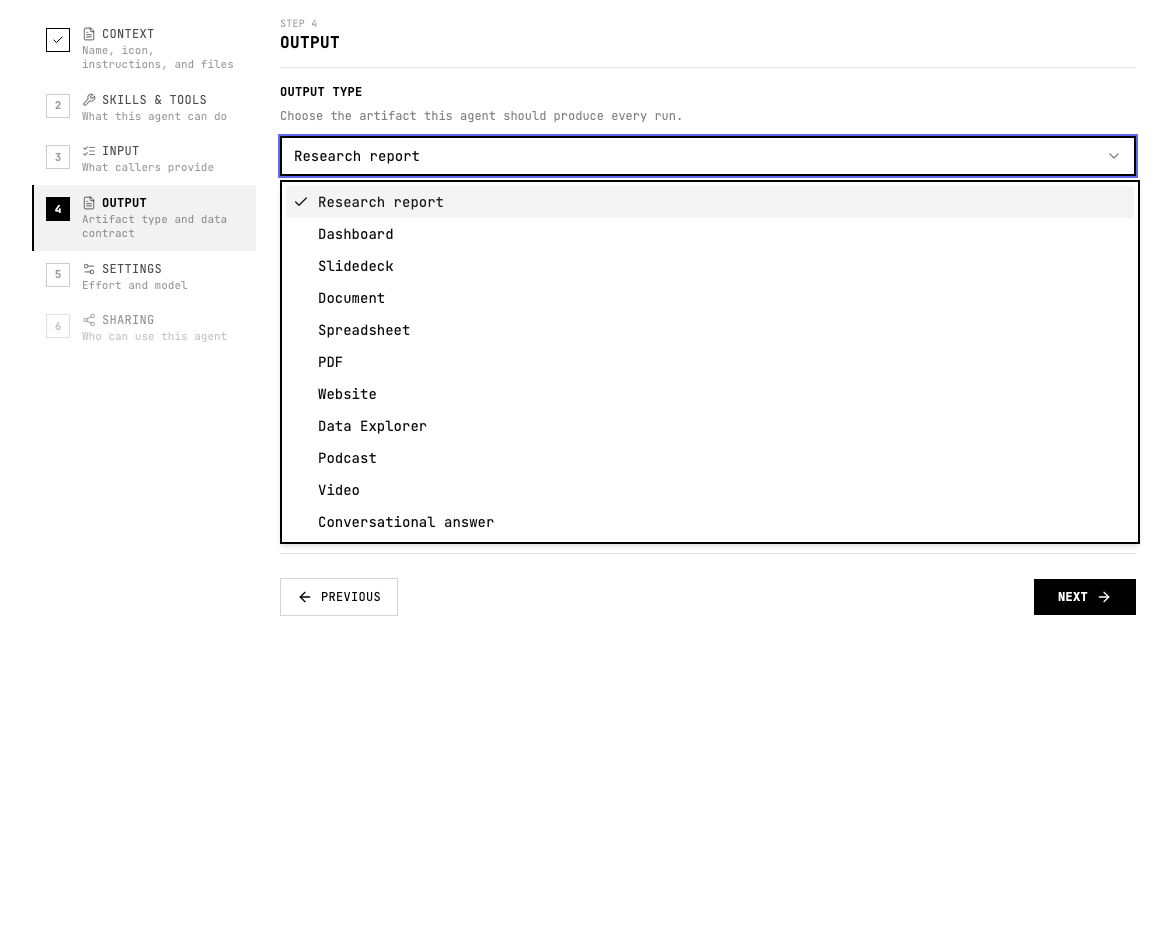
Open the Output step in the agent builder and choose the artifact the agent should produce every run.
When to use Conversational answer
- The user needs a fast answer, recommendation, or next step.
- The workflow is interactive and follow-up questions are likely.
- A report, deck, or spreadsheet would be too heavy for the task.
Configure Conversational answer
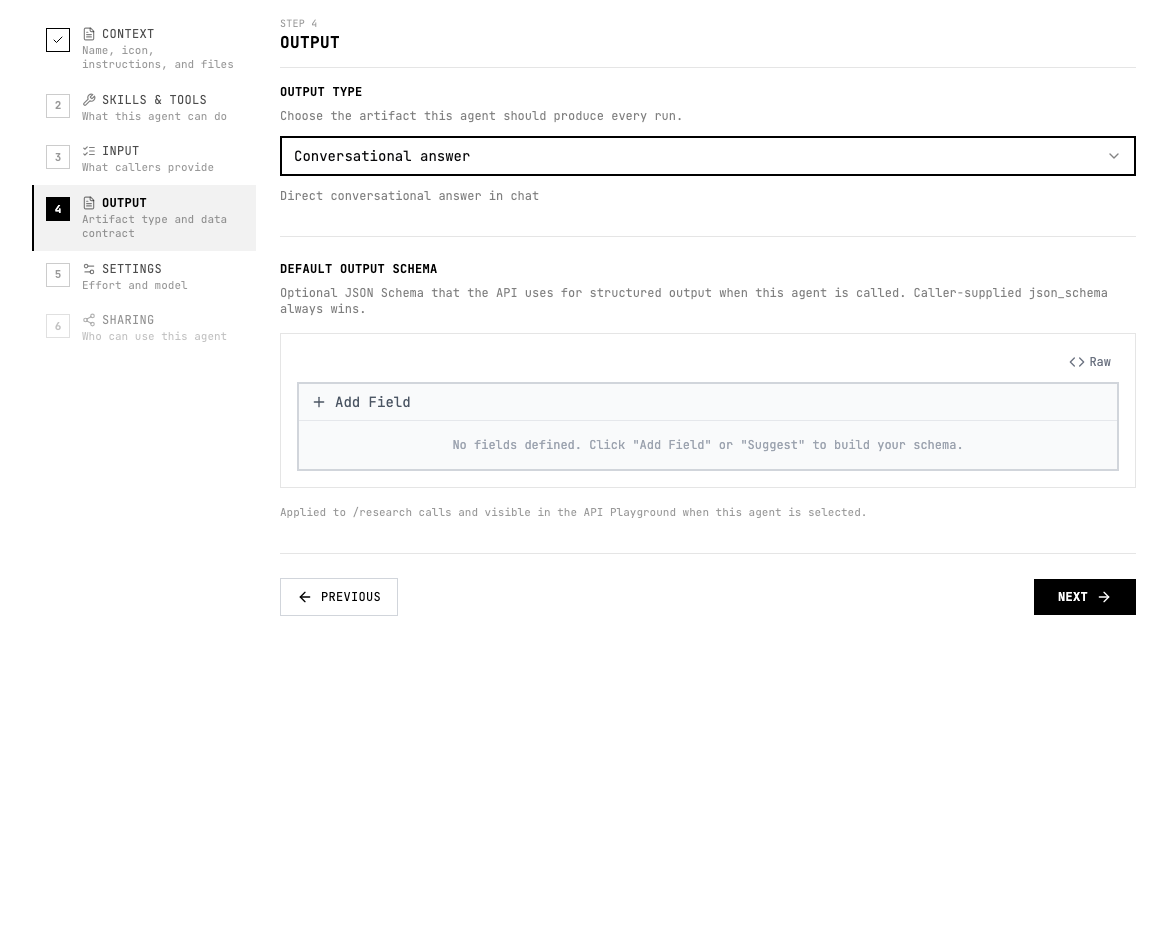
- Choose Conversational answer in the output type menu.
- Tell the agent how concise to be, what uncertainty to flag, and when to ask for missing information.
- Use clear bullets or short paragraphs when the answer needs to be easy to scan.
Instruction pattern
Add a short output instruction to the agent instructions or the relevant skill so the agent knows what good looks like.
Answer directly in plain language, give the recommendation first, cite the evidence briefly, flag uncertainty, and ask only for missing information that blocks the next step.Quality checklist
- The audience and use case are clear.
- The output format is selected before testing.
- The agent instructions describe the expected sections, fields, or scenes.
- Important claims include evidence or source links.
- The output can be reviewed without guessing what each field or section means.
- If another system consumes the result, the schema and allowed values are stable.