Configure a research report output
Last updated: July 12, 2026
Configure a research report output
Use a research report when the result should read like a structured memo with findings, reasoning, evidence, and sources.
Choose the output type
Open the Output step in the agent builder and choose the artifact the agent should produce every run.
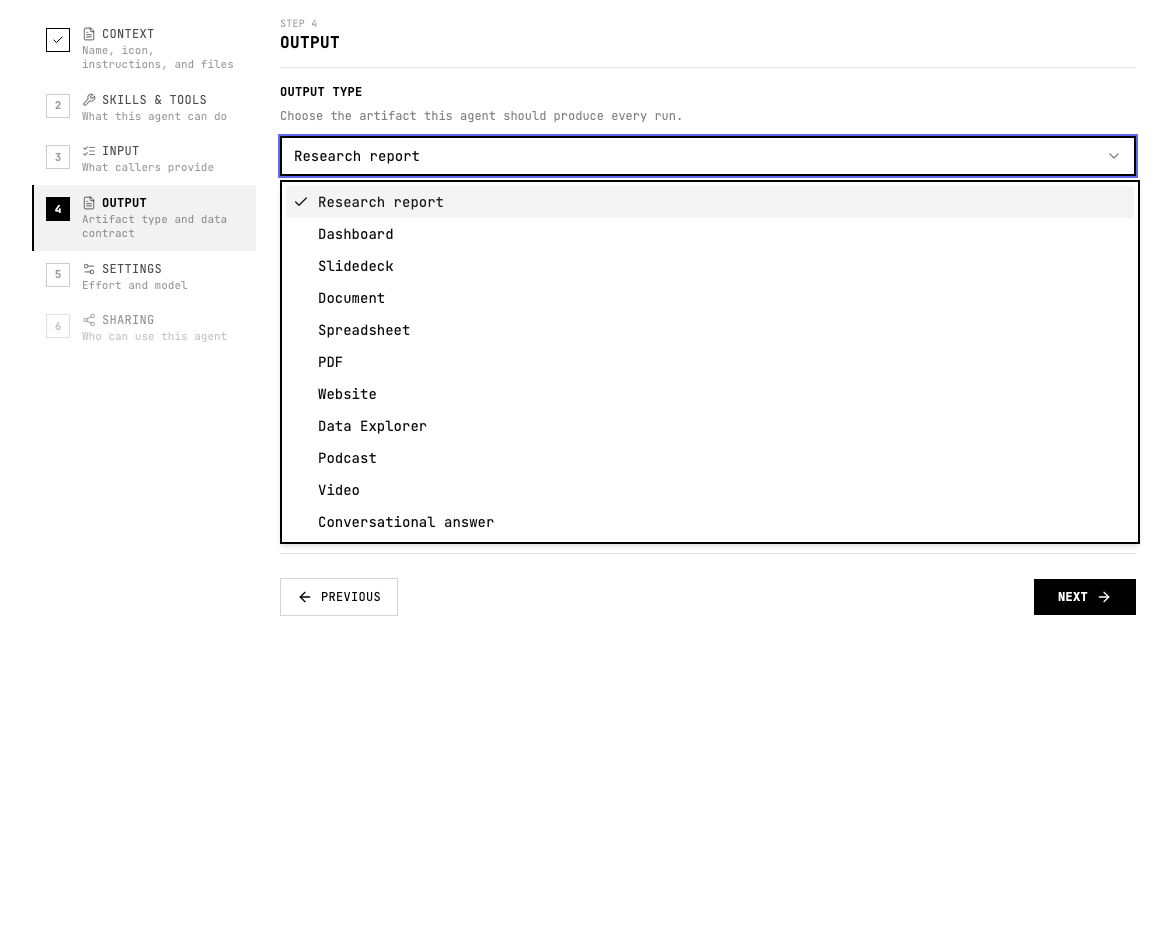
When to use Research report
- A human reviewer needs to understand the evidence and judgement behind the answer.
- The agent is doing due diligence, investigation, market research, policy review, or source-backed analysis.
- The result should be easy to read in Grep before anyone exports it or sends it onward.
Configure Research report
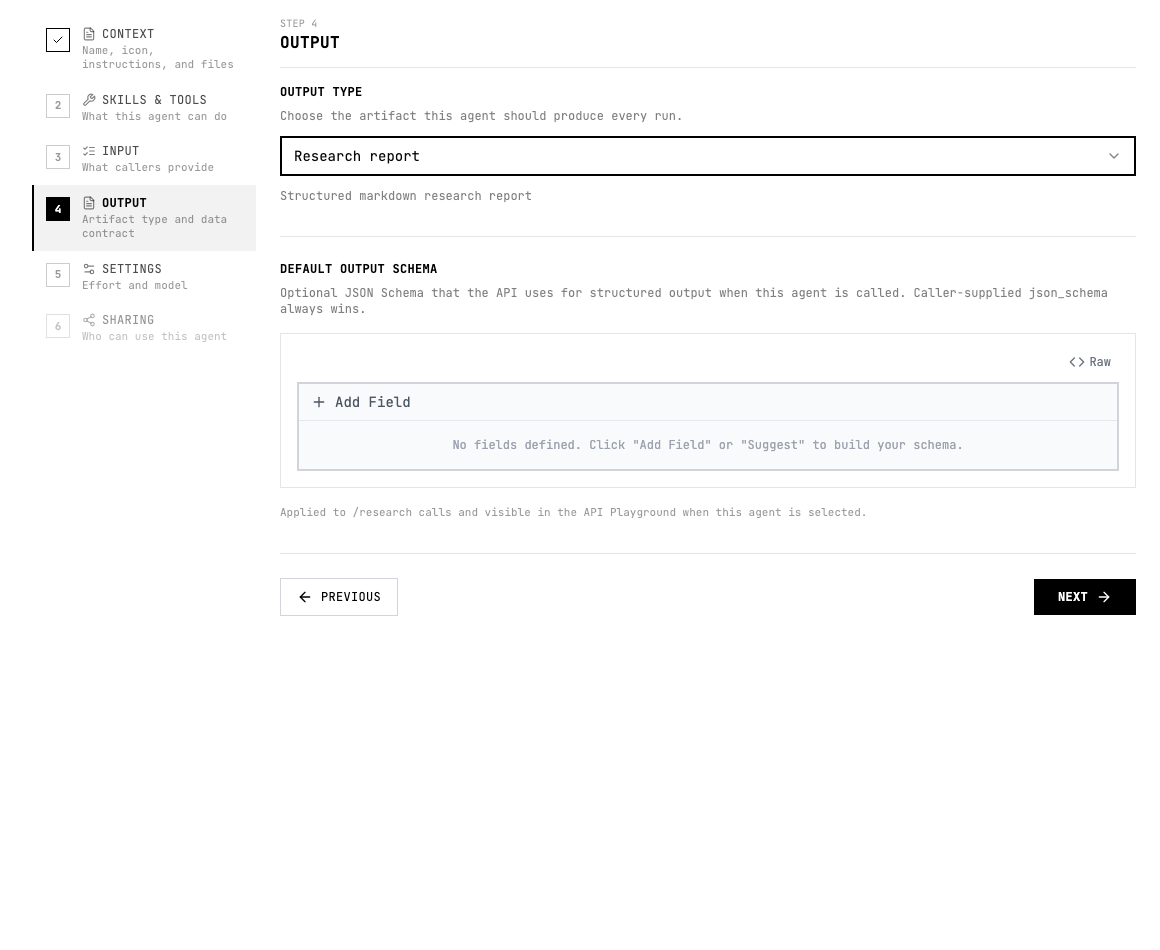
- Keep the output type set to Research report.
- Tell the agent the report sections you expect, such as summary, findings, evidence, risks, recommendation, and sources.
- Use the default output schema only for fields an API caller or downstream workflow must receive consistently.
Instruction pattern
Add a short output instruction to the agent instructions or the relevant skill so the agent knows what good looks like.
Write a concise research report with an executive summary, key findings, evidence table, confidence level, recommended action, and source list.Quality checklist
- The audience and use case are clear.
- The output format is selected before testing.
- The agent instructions describe the expected sections, fields, or scenes.
- Important claims include evidence or source links.
- The output can be reviewed without guessing what each field or section means.
- If another system consumes the result, the schema and allowed values are stable.