Configure a slidedeck output
Last updated: July 12, 2026
Configure a slidedeck output
Use a slidedeck when the agent output needs to become a presentation for executives, customers, investors, or internal teams.
Choose the output type
Open the Output step in the agent builder and choose the artifact the agent should produce every run.
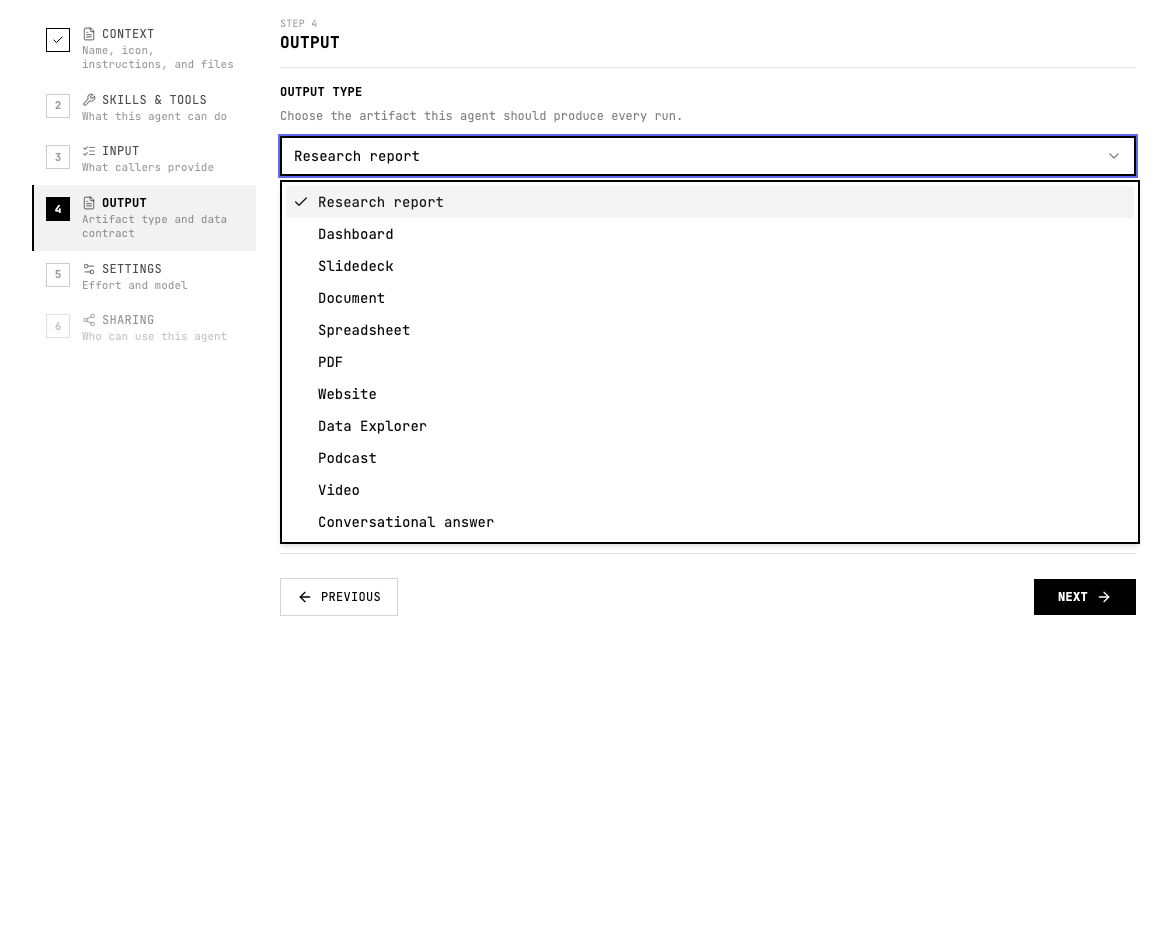
When to use Slidedeck
- The audience will consume the answer in a meeting.
- The output needs a narrative arc, not just raw findings.
- You want a concise sequence of takeaways, evidence, charts, and recommendations.
Configure Slidedeck
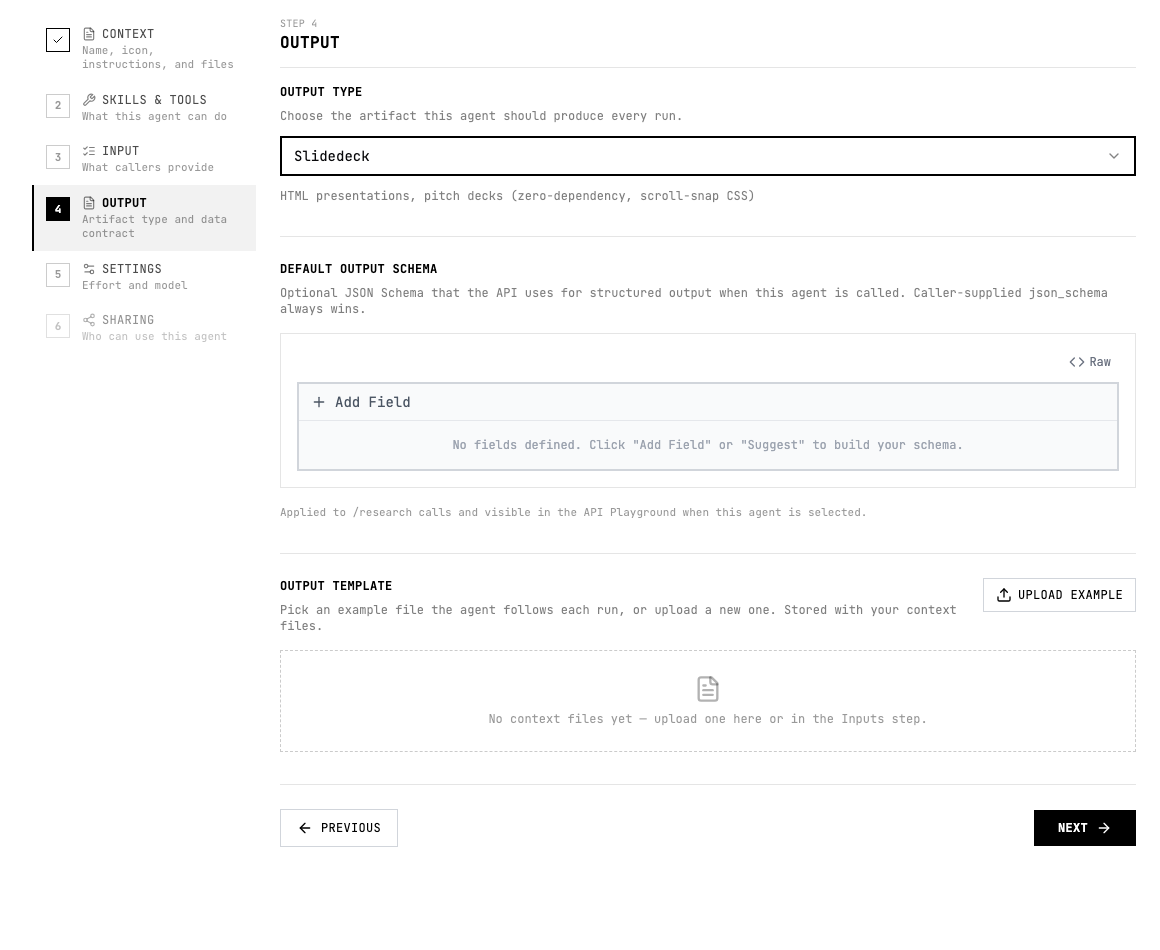
- Choose Slidedeck in the output type menu.
- Specify the audience, slide count, message hierarchy, and whether the deck should be persuasive, analytical, or educational.
- Ask for one main point per slide and tell the agent what evidence must be cited.
Instruction pattern
Add a short output instruction to the agent instructions or the relevant skill so the agent knows what good looks like.
Create a 10-slide executive deck with a clear title, decision context, key findings, evidence slides, risks, recommendation, and appendix sources.Quality checklist
- The audience and use case are clear.
- The output format is selected before testing.
- The agent instructions describe the expected sections, fields, or scenes.
- Important claims include evidence or source links.
- The output can be reviewed without guessing what each field or section means.
- If another system consumes the result, the schema and allowed values are stable.